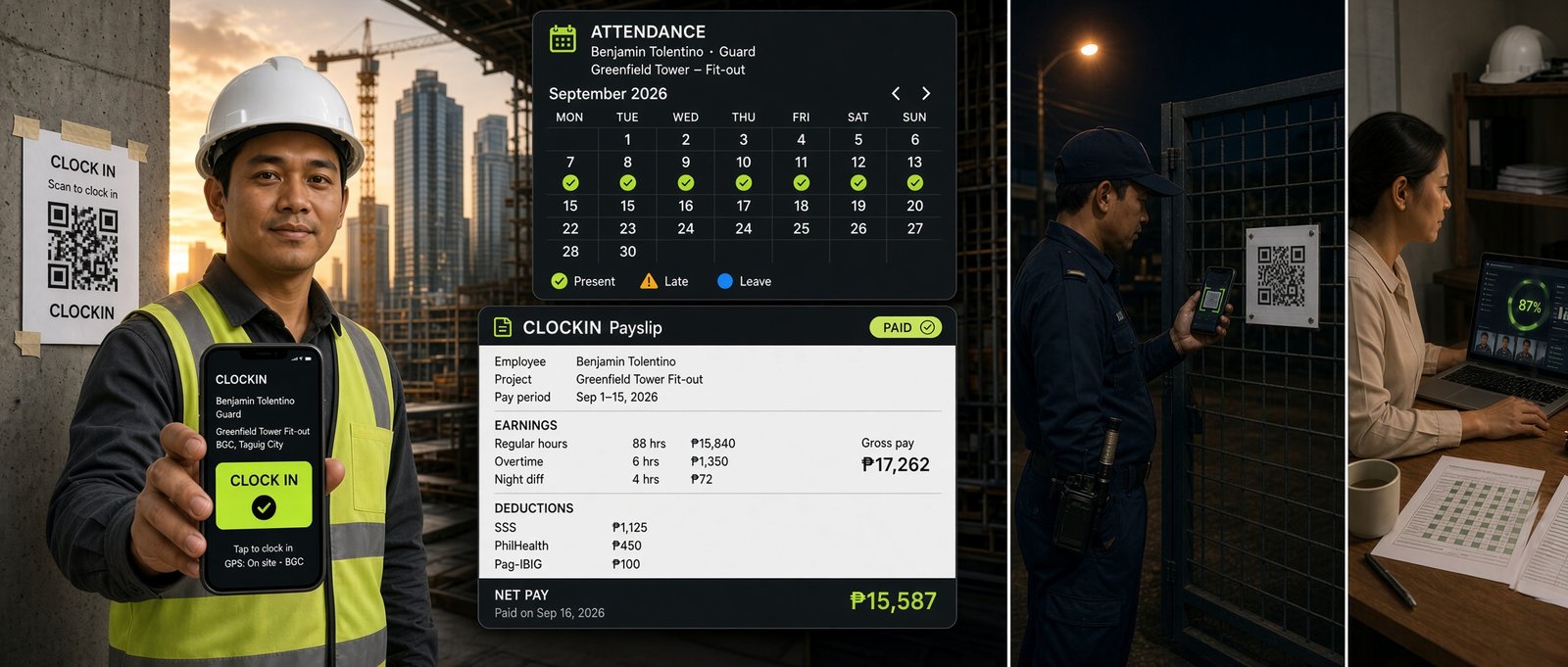
ClockIN is a QR code attendance and Daily Time Record system for Philippine crews, offices and security posts. Your people scan a printed poster with the phone already in their pocket, take a photo, and the time, place and project are written on our server — not on their handset. No app to install, no biometric scanner to buy, no accounts to hand out. It prints the DTR, payroll register and payslips, with kinsenas pay periods and PH holiday rates built in.
Free through your first full pay period. Console and a printable QR poster in about a minute.
Already a customer, or coming back to your console?
Prices are in Philippine pesos, cover what is listed, and can change at any time. The price you are shown at checkout is the price you pay.
Most Philippine teams end up with a biometric scanner, a spreadsheet and a separate guard logbook. ClockIN replaces all three.
Clock in and out by QR code on any phone. Server-stamped time, selfie and GPS on every scan, and shared-phone detection so one worker cannot punch in for another.
The printable DTR a Philippine bookkeeper expects, with signature lines, leave, rest days and holidays marked, and a period summary per person.
Kinsenas (1st–15th, 16th–end) or any range. Rest day, special and regular holiday rates, night differential and approved overtime. Payslips print two to a sheet.
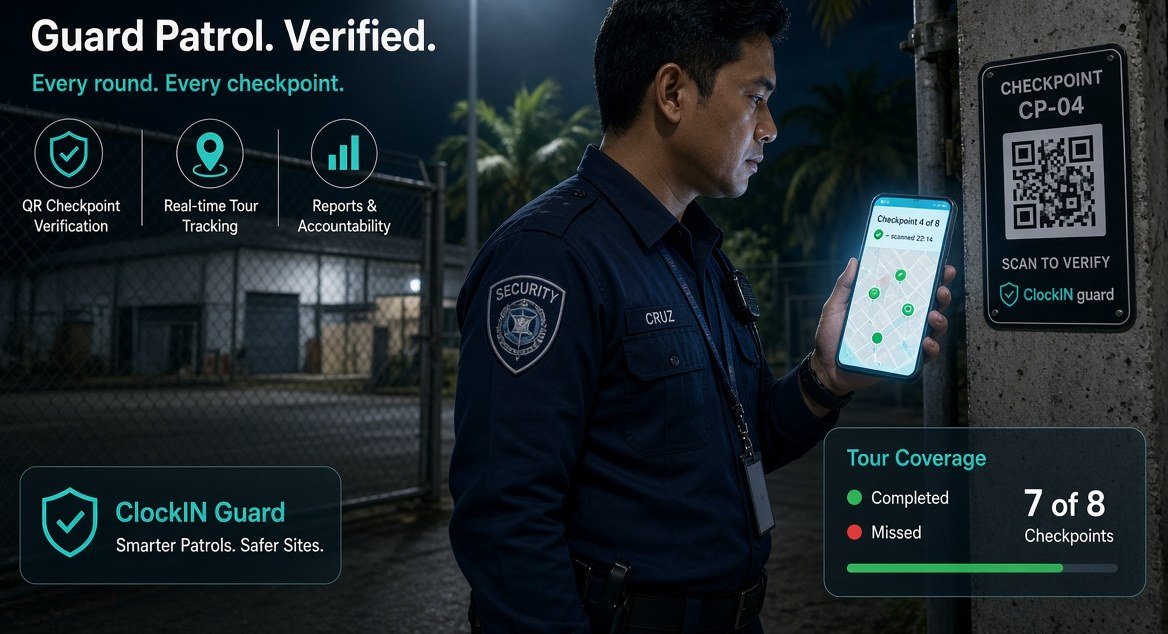
A code at every checkpoint. The guard scans each one on the round, and the coverage log shows what was walked and what was missed.
No hardware to buy, install or repair, and nothing to break when a site moves. A printed poster costs a sheet of paper.
English or Filipino on the phone. Workers see their own hours and can request leave; supervisors approve overtime before it is ever paid.
We built it for our own crew, on real shoots, where nobody has time to learn software at six in the morning.
The normal phone camera opens the page. No app store, no download, no password to remember.
One poster covers every job you have running. They tap which one they are on, so the hours land in the right place.
The shutter sends it. Time, GPS and photo are stored together and the screen goes back on its own.
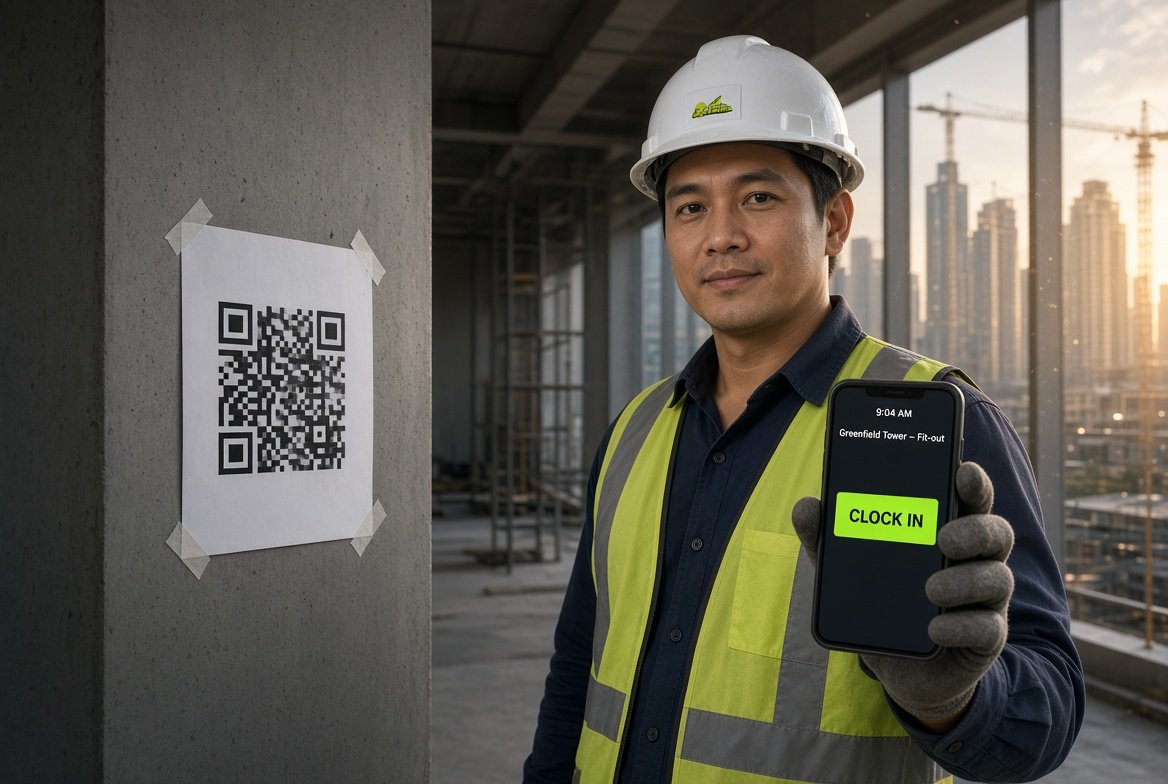
Their phone. Your poster. Nothing installed.
He scans the code already taped to the column, and the screen shows him which project he is on before he taps. The time is written on our server, not on his handset, so a phone with the wrong clock cannot change it.
Inside the site office the board fills up as they arrive — who is in, who is missing, and anything worth a second look.
For an office, a shoot, or a warehouse.
For a site that has to be walked, not just sat in.
Attendance only matters if you can stand behind it when someone disputes a pay slip.
The timestamp comes from the server. A phone with the wrong time on it gets flagged, not believed.
The photo is taken at the moment of the scan and stored with it. Nothing to argue about later.
Every scan records how many metres away it happened. Off-site scans are marked, or blocked outright.
If a handset is used to scan for two different people, the record says so. That is what buddy punching looks like.
A supervisor can fix a missed clock-out, but the report prints it as edited. Nothing changes quietly.
The scan waits on the phone and sends itself when the bars come back, marked as a late upload.
On privacy: location is read at the moment of the scan and at no other time — ClockIN is not a tracker and cannot follow anyone between scans. Photos and positions are visible only to the supervisor inside the console.
These are the products a Philippine business usually looks at alongside ClockIN. We have left in the things they do better than us — you will find out anyway, and you should find out from us.
| ClockIN | Jibble | Connecteam | Sprout | |
|---|---|---|---|---|
| Works without installing an app Scan a printed poster with the phone camera. | ✓ | part | — | — |
| Photo on every clock-in | ✓ | ✓ | ✓ | ✓ |
| GPS on every clock-in | ✓ | ✓ | ✓ | ✓ |
| Never refuses a real worker over GPS Weak signal is flagged for you to check, not blocked. | ✓ | — | — | — |
| Overtime only paid once you approve it A forgotten clock-out cannot turn into pay. | ✓ | part | part | ✓ |
| Philippine DTR, printed and signable | ✓ | — | — | part |
| Payroll register and payslips | ✓ | — | — | ✓ |
| Kinsenas and PH holiday rates built in | ✓ | — | — | ✓ |
| Guard patrol checkpoints in the same product | ✓ | — | part | — |
| Worker sees their own hours | ✓ | ✓ | ✓ | ✓ |
| Leave requested from the phone | ✓ | ✓ | ✓ | ✓ |
| Checklists and forms you write yourself | ✓ | part | ✓ | part |
| Automatic face recognition We show the face on file beside today’s photo instead. | — | ✓ | — | part |
| Shift scheduling and rotas We record attendance; we do not plan shifts. | — | part | ✓ | ✓ |
| Automatic SSS / PhilHealth / tax tables Those rates move by circular. We ask rather than guess. | — | — | — | ✓ |
| Priced per site, not per person | ✓ | — | part | — |
| Set up without a sales call | ✓ | ✓ | ✓ | — |
Checked against each product’s own published pages in September 2026, and it will drift — they change things, as do we. Check anything that matters to your decision before you rely on it. We have not listed anybody’s prices: they move too often for a page like this to be fair about them. Ours is on this page in full, and it is charged per site rather than per person. Jibble and Connecteam are strong general attendance apps with free tiers; if you want face recognition or shift planning above all else, they are worth your time. Sprout is a full Philippine HR and payroll system and does far more than we do — at enterprise price, and with an onboarding to match. ClockIN sits in the gap: the PH paperwork, on a printed poster, running this afternoon.
ClockIN is two screens: the one your crew opens on their own phone, and the one you watch from the office. Sign up and both are yours in about a minute — your own projects, your own poster, nothing shared with anybody else.
What your people see. Best opened on your phone.
What you see. Best opened on a laptop.
Free through your first full pay period, no card. Everything you print in the trial comes out clean.
Charging per employee punishes you for hiring. A 30-man crew costs the same as a 10-man crew, so nobody has to think about the bill before adding somebody to the list.
Setting up costs ₱4,500 once. We build your install, print and send the A5 posters, load your people, and write down how it works. Pay GCash, Maya or card and your console switches the moment payment clears. No lock-in, and your records export to CSV any time you ask — including the day you leave.
What we do not do: we are not a payroll system. We do not file BIR returns, compute SSS or PhilHealth, or keep 201 files. If that is what you need, buy an HRIS. ClockIN answers one question properly — who was on site, when, and can you prove it.
Two fields and you are in your own console, with your own printable poster — not a sample account. Fourteen days, no card, and everything you print in that time comes out clean. After it, the free plan keeps up to ten people and marks what it prints, so you can carry on trying it without it passing for payroll.
Tell us how many sites and how many people. We will set up the projects, print the posters and show your supervisor the console in one sitting.
Start free Talk to us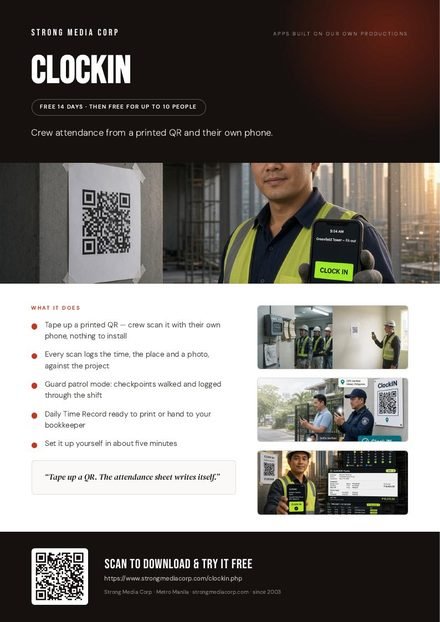 One-pager
Download PDF
One-pager
Download PDF