Strong Media Corp — Philippines

Event RSVP &
QR Check-In

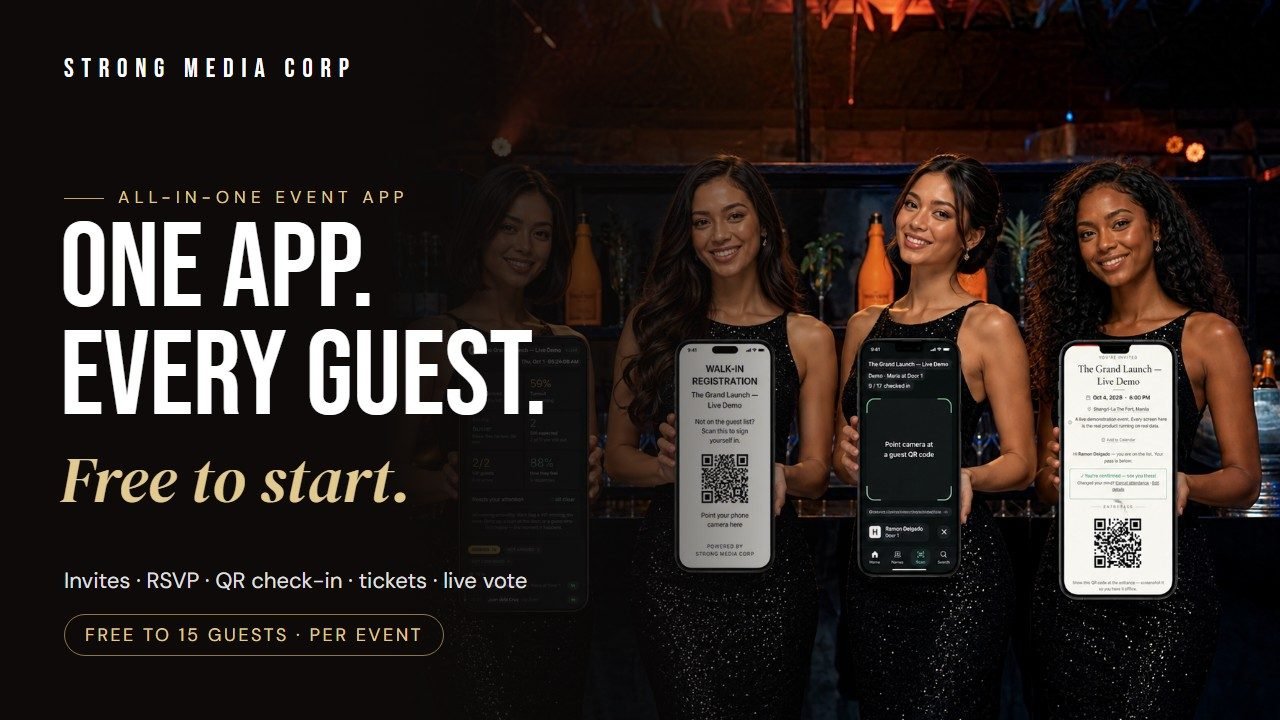
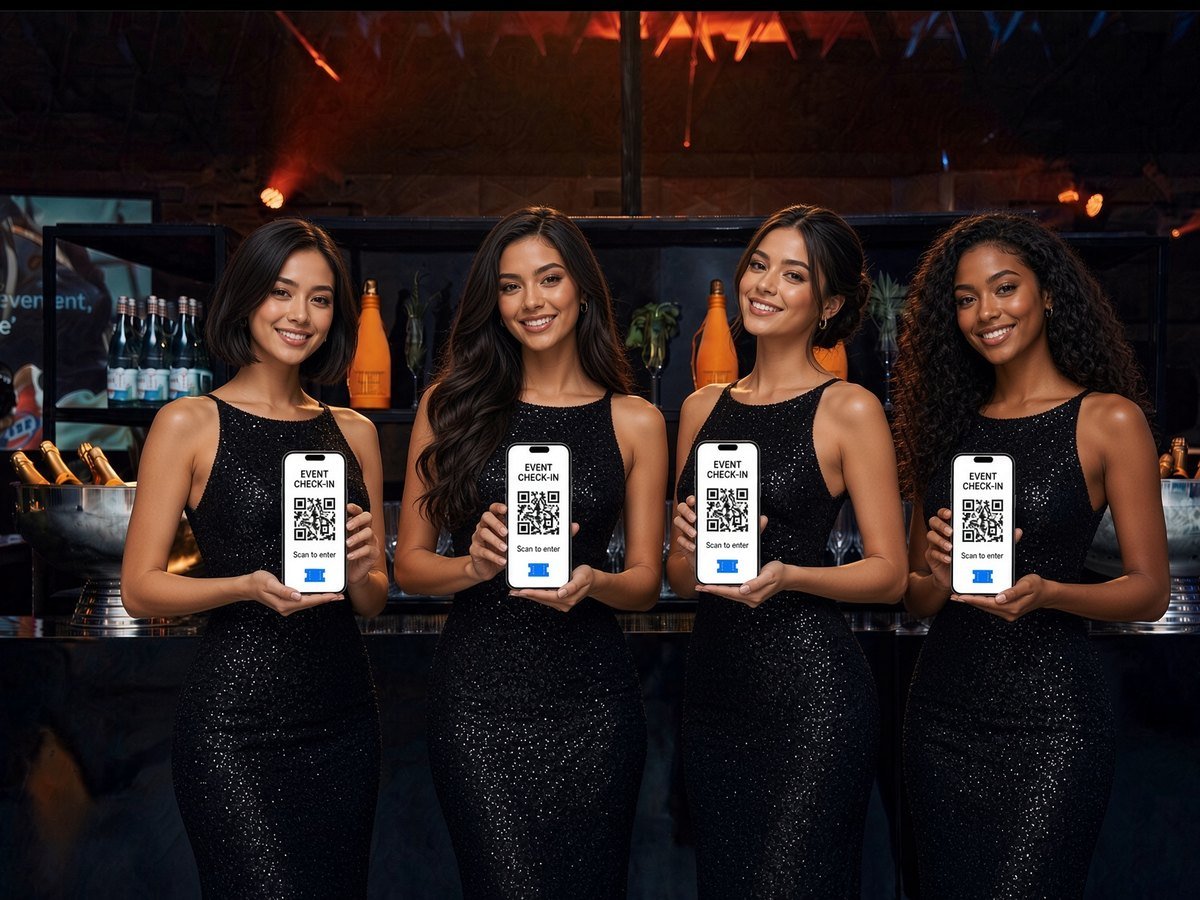
Your guests show up, scan a QR code, and they’re in. No paper lists. No queues. Real-time on any phone.

How It Works

Three Steps to Check-In Ready

Sign up, set up your event, and start scanning — all in the same day.

01

Sign Up & Get Your Code

Enter your company name and email. Your personal access code arrives in your inbox instantly. No waiting, no calls needed.

02

Set Up Your Event

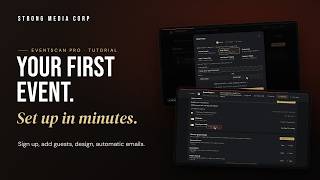
Log in, create your event, and either upload a guest list CSV or turn on walk-in mode. One click sends every guest their QR code by email.

03

Scan at the Door

Staff open the scanner on any smartphone. Point at a guest’s QR code — they’re confirmed in under one second. Sound, vibration, done.

Pricing

Simple, Per-Event Pricing

One flat fee. Everything included — setup, QR emails, live scanning, and a real-time dashboard.

Up to 100 Guests
₱5,000
per event · full service
  • Guest list CSV import
  • QR code emails to all guests
  • Live QR scanning — any phone
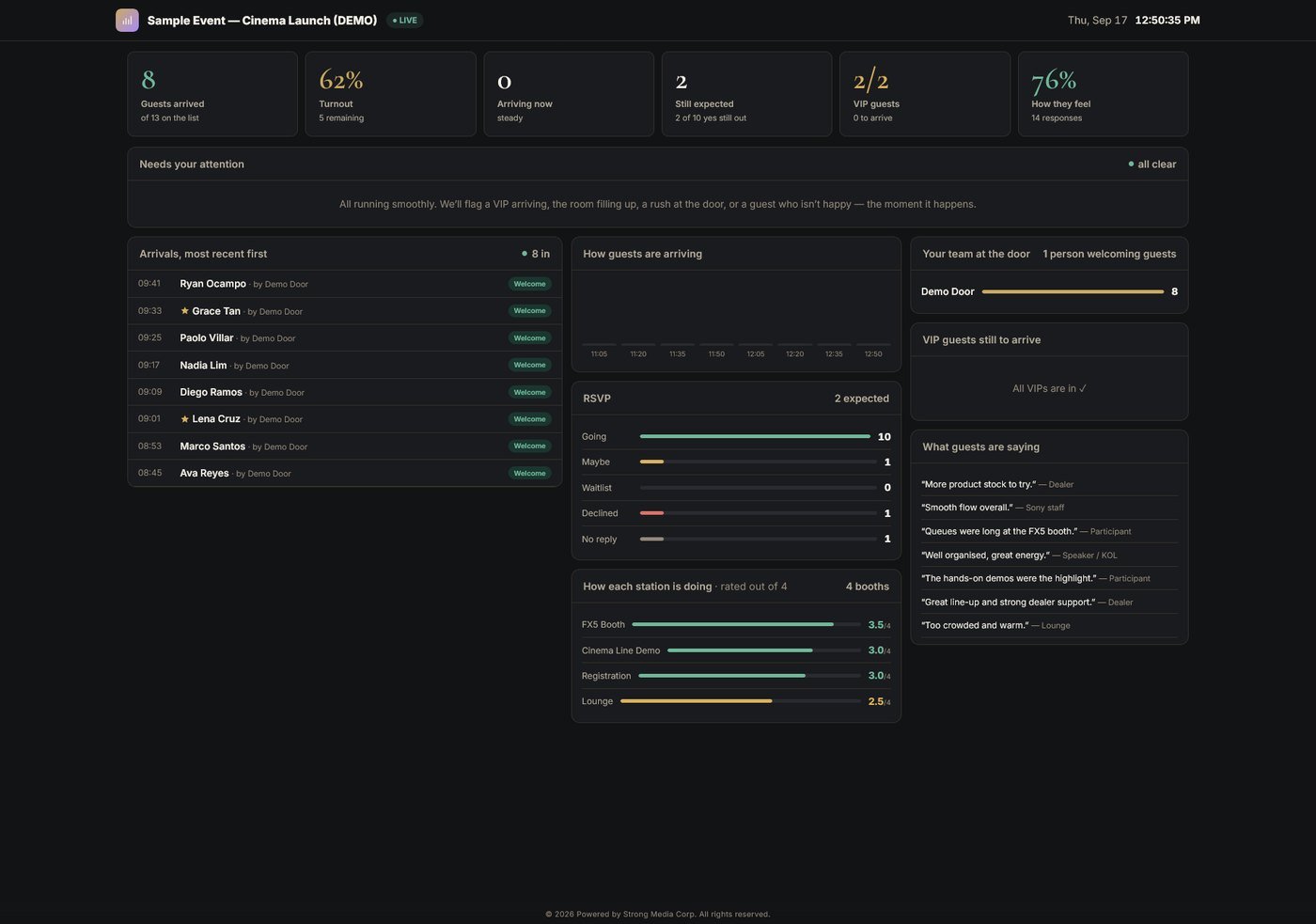
  • Real-time check-in dashboard
  • Scan log export after event
Popular
Up to 250 Guests
₱10,000
per event · full service
  • Everything in Starter
  • Walk-in self-registration link
  • Duplicate ticket prevention
  • Priority support on event day

No hidden fees. No monthly subscription. Pay per event, only when you need it.

FAQ

Common Questions

Do my guests need to download an app?+
No. Guests simply receive a QR code by email (or register on arrival for walk-ins). They show it on their phone screen — or even a printout — and your staff scan it. Nothing to install.
What if a guest doesn’t have a guest list / just shows up?+
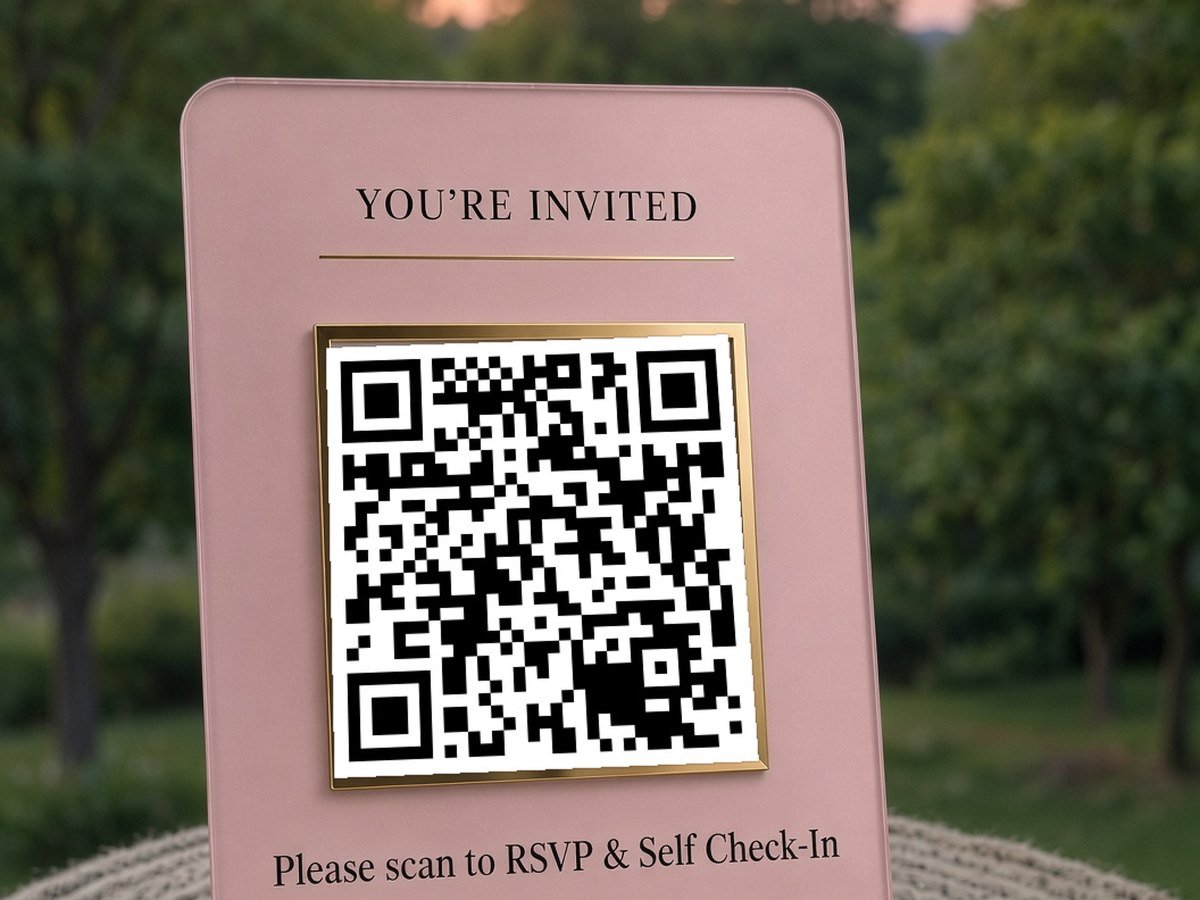
Turn on Walk-in mode for your event. You get a registration link or QR poster — guests fill in their name on their own phone and instantly get a personal QR code to be scanned at the door. Perfect for open events with no pre-made list.
A guest lost their QR code or can’t find the email. What now?+
No problem. Your staff can search the guest by name in the app and check them in manually with one tap — no QR needed. You can also re-send their QR code by email instantly from the guest list.
Can several staff scan at the same time?+
Yes. Share the scanner link with as many staff as you like — each opens it on their own phone and they all share the same live check-in count. Great for multiple entrances or busy doors.
What happens if the venue internet drops?+
The scanner caches your full guest list, so check-ins keep working offline. Once the connection returns, everything syncs automatically. Your event won’t stop.
Can someone copy a QR code and sneak in twice?+
The system blocks duplicate scans — if the same code is scanned again it shows a clear warning, so copied or screenshotted tickets can’t be reused. You also get a full scan log showing every attempt.
How do I pay, and when do I get access?+
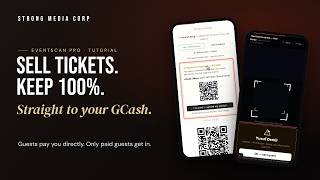
Sign up free to get your access code instantly. To unlock full scanning, send payment via GCash: 0917 844 2415, then upload your screenshot in the app. We verify within a few hours and unlock your event.
Do you offer staff to run the check-in for us?+
Yes — we can provide trained staff and equipment for full on-site check-in management. Message us on WhatsApp for a custom quote.

Create Your Account

Please enter your company name.
Please enter a valid email.
Something went wrong. Please WhatsApp us.

Your access code will be emailed instantly  ·  No credit card needed

🎉

You’re All Set!

Your access code has been sent to . Use it to log in and create your first event.

Your Access Code
——

Keep this safe — you’ll need it every time you log in.

Open the App & Start →

Already have an account? Enter your access code to open the app.

What We Do

Explore Our Services

WhatsApp Us
Viber Us